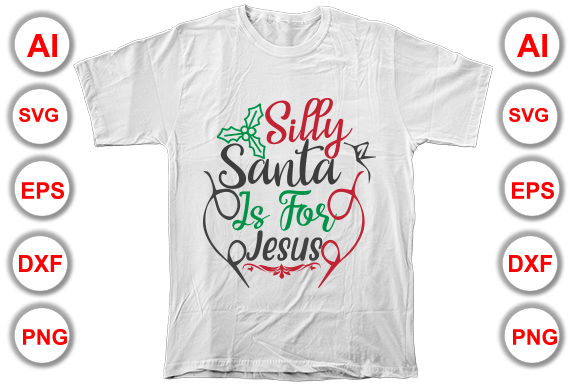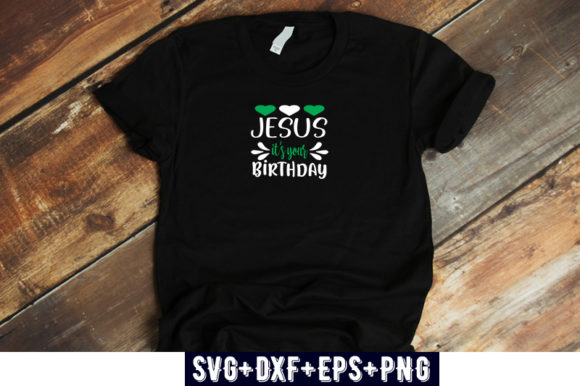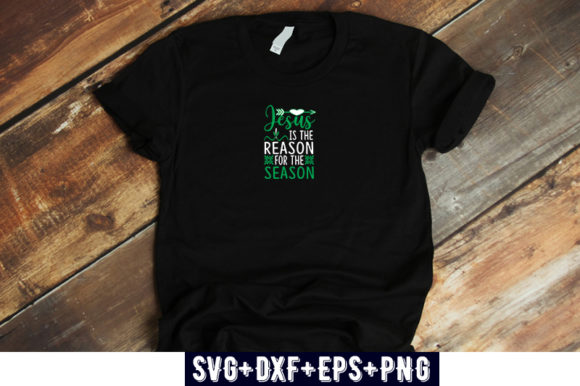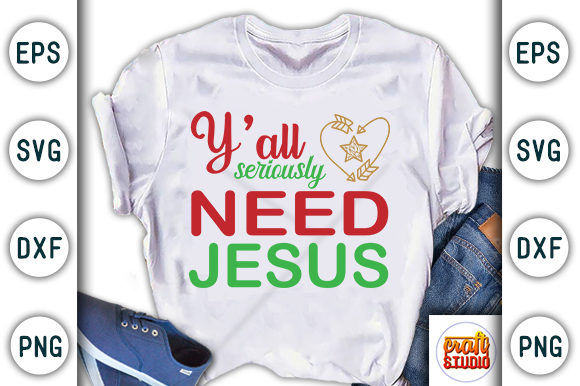
Printable Christmas T-shirt Design: Smart Choices for Better Results
Printable Christmas T-shirt design has become a go-to option for anyone looking to create festive apparel without the overhead of traditional screen printing. Whether you are a small business owner preparing a holiday collection, a hobbyist making gifts for family, or a marketer running a seasonal promotion, the appeal is obvious: low startup cost, fast turnaround, and the ability to produce one shirt or a hundred with the same ease. Yet many people jump into this process without understanding the nuances that separate a crisp, durable print from a stiff, peeling disappointment. The good news is that with a little forethought, you can avoid the most common pitfalls and get results that look professional and last through the season.
What Printable Christmas T-shirt Design Really Means
At its core, printable Christmas T-shirt design refers to artwork specifically prepared for transfer onto fabric using methods such as iron-on transfer paper, sublimation, or direct-to-garment (DTG) printing. The design itself can be a digital file you create from scratch, purchase from a marketplace, or license from an artist. The key difference between a generic graphic and a print-ready design is that the file has been optimized for the substrate, the printing method, and the expected wash life. People often assume that any cute holiday image will work, but that assumption leads to results that fall short.
The real value of a well-crafted printable design is that it saves you from trial-and-error waste. A proper file includes considerations such as color space (RGB versus CMYK), resolution (at least 300 DPI for most methods), and bleed or trim lines if the design extends to the edge. Without these details, even the most charming Santa illustration can come out blurry, washed out, or misaligned.
Choosing Resolution Over Aesthetics
One of the most persistent misunderstandings is that resolution alone guarantees quality. Beginners frequently download a 72 DPI image from the web, enlarge it to fit a T-shirt, and wonder why the edges look jagged. Resolution matters, but so does the nature of the artwork itself. A vector-based design (such as SVG or EPS) scales to any size without losing clarity, while a raster image (like JPEG or PNG) will pixelate if stretched. For printable Christmas T-shirt design, vector files are almost always preferable because they allow you to adjust size without degradation.
Practical approach: When you shop for or create a design, look for vector formats. If you are working with a raster file, confirm its original dimensions match the print area you intend to use. A design meant for a 12-inch wide print should be at least 3600 pixels wide at 300 DPI. Skipping this check can ruin an otherwise great holiday motif.
Ignoring the Fabric Type
Not all T-shirts are equal, and neither are the transfer methods that work best on them. A common error is buying standard iron-on paper and expecting it to perform well on a 100% polyester athletic shirt. Polyester requires a lower heat setting and a different transfer medium, typically one designed for synthetic fabrics. Cotton blends are more forgiving, but they absorb ink differently than polyester does. Sublimation, which dyes the fabric itself, works only on polyester or coated surfaces. Attempting to sublimate onto a cotton shirt results in a faint, ghostly image that washes out quickly.
Better choice: Match your transfer method to the shirt composition. Read the manufacturer's guidelines for the transfer paper or ink system you are using. If you plan to sell shirts, test a single garment with your chosen design before committing to a bulk order. This simple step prevents the disappointment of a faded print after the first wash.
Overcomplicating the Design
Christmas motifs often include intricate details: snowflakes, reindeer antlers, tiny ornaments, or layered text. While these can look charming on a screen, they frequently become muddled when printed on fabric. Small text (under 12 points) is especially risky because the fibers of the shirt can blur the letters. Similarly, ultra-thin lines may break up during transfer or crack after a few wears.
Better approach: Simplify your design for readability and durability. Use bold shapes, clear contrast, and avoid fine details that rely on perfect registration. If you want to include multiple elements, consider separating them into distinct areas of the shirt rather than stacking everything into a single dense block. A bold "Merry Christmas" in a chunky font paired with a simple evergreen tree will read clearly from across the room and hold up to repeated laundering.
Color Count and Printing Methods
When you purchase printable Christmas T-shirt design files, you may be buying a single-layer PNG or a multi-color vector. The number of distinct colors in your design directly affects the cost and complexity of production for methods like screen printing, but even with transfer paper, more colors can mean more work. Some home transfer papers handle full-color photos beautifully, but others require you to mirror the image and trim excess carrier sheet, which adds time and waste.
What to check before buying: Ask or verify whether the design is offered as a layered file (such as AI or PSD) or as a flattened image. Layered files give you the flexibility to adjust colors, remove elements, or resize individual components. Flattened images may be fine for one-time use, but if you anticipate needing variations (e.g., different background colors or sizes), a layered file saves hours of rework.
Licensing and Usage Rights
This is a detail that many hobbyists and even small business owners overlook. A printable Christmas T-shirt design purchased from a marketplace often comes with a license that limits how you can use it. Some licenses allow unlimited personal use but restrict commercial sales to a certain number of units. Others prohibit using the design on merchandise that is sold through large retailers. Ignoring these terms can lead to legal notices or removal of your listings from platforms like Etsy or Amazon.
Best practice: Read the license agreement before you download. If you plan to sell shirts, look for a commercial use license that explicitly covers your intended volume and distribution channels. When in doubt, contact the seller and ask for written clarification. A few minutes of due diligence prevents potential headaches down the line.
Test the File Format and Software Compatibility
Not every design works with every program. Some files are delivered in formats that require Adobe Illustrator or CorelDRAW, while others open in free software like Inkscape or GIMP. If you lack the proper software, you may find yourself unable to edit or even view the design correctly. This is especially relevant for SVG files, which can behave differently depending on how they were created.
Checklist before purchase:
- Confirm the file format matches your software and workflow.
- If the design is a PNG, verify it has a transparent background so you can layer it over your shirt mockup.
- Ask for a preview that includes a scale reference, such as a ruler or grid, so you understand the actual proportions.
Look for a Mockup or Sample Print
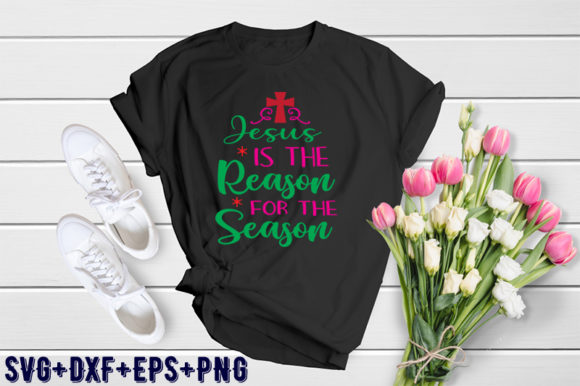
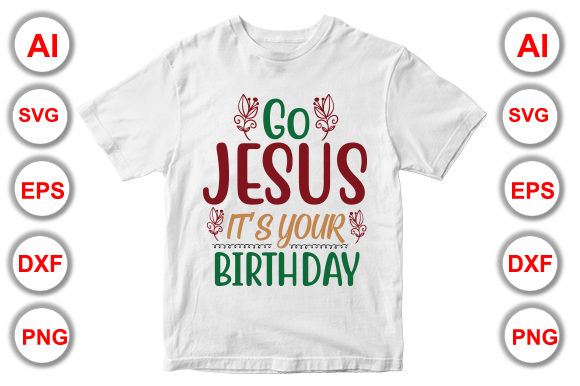
A design that looks stunning in a flat image may appear completely different when wrapped around a curved sleeve or stretched across a chest. Many sellers provide a mockup that shows the design on a T-shirt, but mockups can be misleading if they are heavily styled with shadows and lighting effects. What you want is a realistic representation of how the colors and scale work in context.
Good practice: Search for real customer photos or reviews that show the design printed on an actual shirt. If those are not available, create your own mockup using a free tool like Placeit or Printful's mockup generator. This extra step helps you visualize the final product before you invest time and materials.
Do a Test Print on Paper First
It sounds obvious, but many people skip this step when excited about a new design. Print your file on regular paper using the same dimensions you intend to use on the shirt. This lets you check for alignment, color accuracy, and any elements that are too small or too close to the edge. Adjust the file as needed before you commit to the transfer process.
Mind the Heat and Pressure
Whether you are using an iron or a heat press, temperature and pressure are critical. Too much heat can scorch synthetic fabrics or cause the transfer to bubble. Too little pressure leaves the design partially adhered, leading to peeling after one wash. Follow the recommended settings for your specific transfer paper and shirt material. Most importantly, let the shirt cool completely before peeling the backing sheet. Rushing this step is one of the most common causes of uneven adhesion.
Prepare the Shirt Surface
New T-shirts often have a thin coating of sizing or chemicals from the manufacturing process. A quick pre-wash removes these residues and helps the transfer bond more effectively. It also pre-shrinks the fabric, so your design does not distort after the first laundry cycle. Iron the shirt flat before placing your design to eliminate wrinkles that can create uneven adherence.
Beyond the Print: Presentation and Care
Once your design is on the shirt, the way you present it matters. If you are selling, photograph the shirt on a model or a dress form in good natural light. A clean, well-lit image communicates quality and helps customers imagine wearing the item. Include care instructions with every shirt: turn it inside out, wash in cold water, and avoid fabric softener. This small gesture reduces returns and complaints while extending the life of the print.
For personal gifts, package the shirt in a simple tissue wrap with a handwritten tag that says "Printed just for you." The effort shows that you value the recipient and the work you put into the design. It also reinforces the idea that printable Christmas T-shirt design is not a shortcut but a craft worth doing well.
The Bottom Line
Printable Christmas T-shirt design offers a flexible, accessible way to create festive apparel, but the quality of your final product depends on the choices you make before you ever press the iron. By understanding the relationship between file format, fabric, transfer method, and design complexity, you can avoid the mistakes that lead to muddy prints, premature wear, or wasted materials. Take the time to evaluate each design on its merits, test your workflow, and invest in good files from reputable sources. Your Christmas shirts will look better, last longer, and reflect the care you put into making them.